Adding a Customised AI Chat Assistant to a website changes how people use it. Instead of clicking through lots of pages and menus, visitors can simply ask for what they want in plain English, like “Which service do I need?”, “How much will this cost?”, or “Can you book me in next week?”
This makes the website feel more like talking to a helpful person than searching a brochure. The Chat Assistant is trained to quickly guide someone to the right product, service, or information, even ask a couple of simple questions, and then point them to the best next step (buy, book, request a quote, or contact support).
It also reduces the “drop off” that happens when people get confused or overwhelmed. If they don’t understand something, they can ask immediately rather than giving up.
The main benefit is speed and clarity. The main risk is trust – so it must give accurate answers and make it easy to speak to a real person when needed.
Below is a plain English explanation of what a customised AI chat assistant is, how ours differs from the cheap alternatives, what it costs and what it would do for your business. The assistant on this page is the same one we would build for you, so ask it anything as you read. It should answer a lot of initial questions you have, and guide you towards other questions you want to ask us.
Introducing Our Custom AI Chat Assistant
Over the last 12 months we’ve been testing how AI will change the way businesses work online. The speed of change has been huge – and it’s clear that businesses who use AI well will move ahead, and those who don’t will fall behind.
Our role is to:
- Find AI tools that are genuinely useful for you
- Explain how they help
- Set them up and integrate them properly
The single most valuable tool for most clients is a fully customised AI Chat Assistant on their website.
What is a Custom AI Chat Assistant?
Think of it as a member of staff who:
- Knows your business, products and services
- Is polite, consistent and always on-brand
- Works 24/7, never gets tired, never takes holidays
- Answers questions and guides visitors towards buying, booking or contacting you
- Doesn’t need a salary or commission
Most visitors won’t read every page of your website. If they can’t find what they need quickly, they leave. AI is already changing how websites are being used.
Your AI Assistant lets them ask questions in plain English and get the right answer in seconds, with links, next steps and follow-up questions handled for them.
Why not use a cheap “off-the-shelf” chatbot?
There are plenty of generic AI “chatbots” that claim to answer customer questions.
Typically these “chatbots” crawl too much information from your website such as outdated content, which makes the AI Chat inaccurate. Or, DIY AI Chats can’t scrape all the information from webpages or don’t remove irrelevant info (like headers, menus, sidebars, footers) which cost more in usage/tokens and provide inaccurate answers.
In practice, we also found they:
- Are trained on general knowledge, not your business
- Frequently “hallucinate” (make up wrong answers)
- Frustrate customers, who still have to contact you for correct information
We know this because we have spent the last year trying to break them – asking awkward, detailed questions and tracking how often they got things wrong. Even a 10% error rate is too risky for your reputation.
So instead, we developed and built our own AI Chat Assistant system, designed to be:
- Trained only on your content
- Tightly controlled – if it isn’t sure, it doesn’t guess or makes the user aware it’s found the closest possible answer or products.
- Accurate and trustworthy – it strictly uses your knowledgebase for all answers and product recommendations.
How our AI Chat works
- We train it on your business
We “scrape” and organise the content from your website (and other material such as product spreadsheets and PDFs) so the Assistant understands your products, services and common questions. - We integrate it with your website
We’ve developed a custom WordPress plugin that connects your site to your bespoke prompt and knowledgebase via the OpenAI API. This means:- Visitors ask a question
- The AI Chat looks up the answer in your knowledge base
- It replies in seconds, in your tone of voice
- It guides visitors, not just answers
The Assistant can:- Answer FAQs saving your staff time.
- Provide details on products/services and can help customers narrow down their search.
- Help with availability and booking flows
- Reduce the need for phone calls and email back-and-forth
Your Demo
For you, we will:
- Build a test version of the AI Chat using your own content
- Host it on our server as a proof of concept
- Style the demo to match your brand and link it to your pages
This lets you see how it handles your products, services and questions, not just a generic example.
Behind the scenes we:
- Keep asking it difficult questions
- Try to force it into giving bad or confusing answers
- Refine and retrain it until we can’t “break” it
Only once we’re confident it works properly for your business do we move to a production-ready version on your live site.
From Demo to Live: The Process
To go from the demo we prepare for you to a full, production-ready AI Chat Assistant on your site, we follow this process:
- Discovery & scope
- Agree what the AI Chat should focus on: sales, support, bookings, FAQs, or a mix
- Decide where the chat should appear (site-wide, key pages, buttons, etc.)
- Knowledge base preparation
- Gather your content (web pages, PDFs, documents)
- Clean and structure it so the AI can use it efficiently
- Identify any gaps where new or clearer content is needed
- AI Chat design
- Set the tone of voice and level of formality
- Define what it should and should not talk about
- Add guardrails so it avoids off-topic or unsafe replies
- Technical integration
- Deploy our chat framework on your website
- Connect it to the OpenAI API and your knowledge base
- UX & branding
- Design the chat window to match your brand
- Set up conversation starters and common quick buttons
- Make sure it works smoothly on mobile, tablet and desktop
- Testing & refinement
- Use real questions from your team and customers
- Fix confusing or incomplete answers
- Tune how it responds before anyone “real” uses it
- Launch & training
- Go live on your website
- Show your team how to view chat transcripts and basic analytics
- Post-launch optimisation
- Monitor how it’s used in the first weeks
- Make small adjustments based on real conversations
- Ongoing maintenance
- Keep the knowledge base updated
- Refine how the AI Chat responds as your business and content change
Unlike a DIY chatbot where you upload content and hope for the best, this is an all done-for-you, fully managed setup, built around your business.
Costs & Timescales
Because every site and knowledge base is different, we can only give a sensible cost range once we’ve built and tested a demo. It’s quite an investment in time to set up each demo, but it makes sense to show you how it would work for you and also means we have a firmer idea of what’s involved for your specific business and what it would cost for you. As a guide, from £500 plus VAT for a simple AI Assistant, to around £5,000 plus VAT for a large, complex website with additional customised AI Chat Assistant features.
This approach is fairer than a fixed high quote, because we only know the real complexity once we work with your actual content.
Ongoing optimisation
AI and your business will both keep changing. To keep the Assistant effective and up to date, we recommend:
- Around 1 hour per month of ongoing work initially
- Continual scraping/updating of your knowledge base
- Refining answers and improving how it interacts
- Reviewing chats and making improvements
- At £45 + VAT per hour
- After a few months we can review whether this should be reduced or increased.
Usage costs
- Paid directly by you via card inside the AI system
- Typically $5–$10 per month, often less, depending on usage
Other Live Examples
You can see versions of our customised AI Chat Assistant already in use on “live” sites at:
- Cleveland Distribution – www.cleveland-distribution.com
- Woodhall Spa Directory – www.woodhall-spa.co.uk
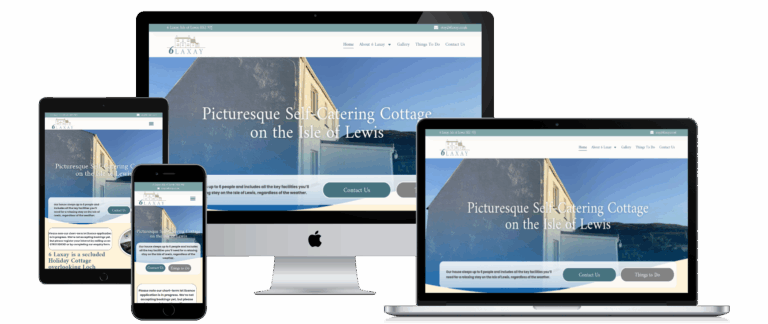
- 6 Laxay – www.6laxay.co.uk
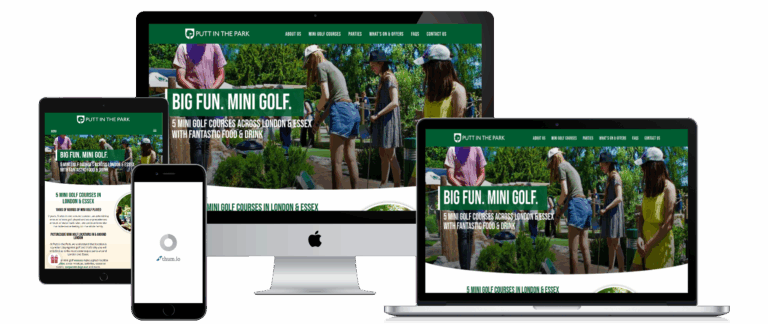
- Putt In The Park – www.puttinthepark.com
- Anglo Zulu War Historical Society – www.anglozuluwar.com
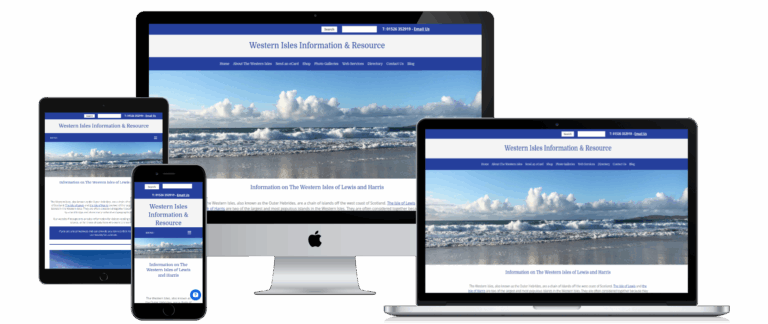
- Western Isles Info – www.westernisles.info
- Our own site – www.web-marketing.co.uk
Each one is trained on that site’s own knowledge base and continually refined and tailored to its audience and goals.
Frequently Asked Questions
Will it make things up?
It is trained only on your own website content and is set to say it does not know rather than guess. If the answer is not on your site, it will not invent one.
What does setting it up involve?
We take your site content, structure it, build a working demo, test it against real questions and refine the answers before anything goes live.
How is it different from an ordinary chatbot?
A conventional chatbot follows a fixed script of buttons and keywords. This understands the question as it is actually asked, and answers in context.
What happens to questions it cannot answer?
It captures the visitor's details and passes the enquiry to you, rather than leaving someone at a dead end.
Key Takeaways
- Visitors can ask for what they want in plain English instead of hunting through menus.
- The assistant is trained only on your own website content, so it answers from your material.
- It captures enquiries at any hour, including outside office hours.
- Setup ranges from £500 plus VAT for a simple assistant to around £5,000 plus VAT for a large, complex site.
- We build and test a demo first, so you can see how it behaves before committing.